

The short answer
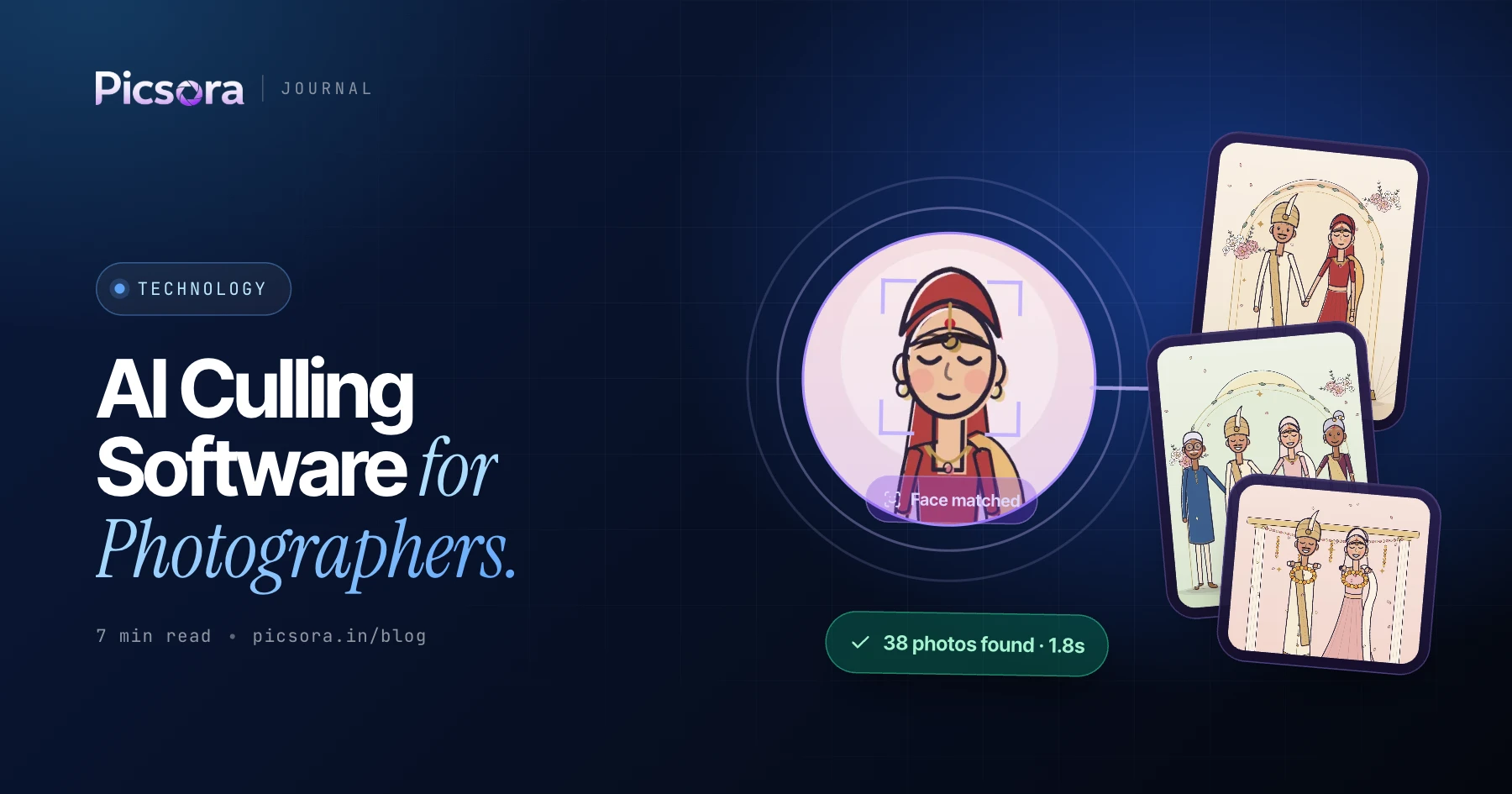
AI culling software looks at every photo from a shoot, keeps the best frame of each moment and flags the ones with blur or closed eyes, so you start editing from a clean set instead of thousands of raw frames. Picsora is the best pick for Indian wedding studios because AI culling sits inside the same desktop app you use to upload, so the culled set goes straight into an AI Gallery event where guests find their own photos with a selfie. AI culling is included on the Plus plan (₹19,999 a year) and above.
What is AI culling?
Culling means choosing which photos to keep. At an Indian wedding you might fire burst after burst at the varmala, the pheras and the stage photos. For every moment there are several near-identical frames, and only one of them is the keeper: eyes open, sharp focus, best expression. AI culling does that first pass for you. It groups photos of the same moment, picks the strongest frame and marks the technical rejects. You still make the final call. It just stops you from looking at every single frame one by one. Good culling software should do three things well: understand that ten frames of the same moment are really one moment, catch the technical faults a tired eye misses, and fit into the tool you already use, so you are not exporting and importing between apps. The Picsora desktop app follows exactly that order: cull, then upload, then deliver.
Why culling eats so much of your week
Ask any wedding photographer which part of the job they enjoy least and culling usually wins. It is slow, it needs full attention, and it happens right when the client is asking "when will the photos come?"
- A multi-day wedding with haldi, mehendi, sangeet, wedding and reception produces a huge number of frames across several cameras
- Bursts at key moments mean many near-duplicates of the same expression
- Tired eyes miss soft focus and half-closed eyes, which then slip into the delivery
- Second shooters and candid teams double the pile you have to sort
- Every day spent culling is a day the couple and guests are still waiting
How AI culling works in Picsora
Culling is built into the Picsora desktop app for Windows and macOS, the same app studios use for bulk upload. The flow is simple:
- Point the desktop app at the folder of photos from the shoot
- AI culling groups the photos by moment and keeps the best frame of each
- Frames with blur and closed eyes are flagged so you can drop them
- You review the picks and make the final decision
- Upload the culled set into an AI Gallery event in the same app
Manual culling vs AI culling
AI culling does not replace your eye. It replaces the repetitive part, so your eye is spent on the decisions that need taste.
| Manual culling | AI culling in Picsora | |
|---|---|---|
| First pass | You look at every frame one by one | AI groups moments and keeps the best frame of each |
| Blur and closed eyes | Easy to miss when you are tired | Flagged automatically before upload |
| Near-duplicate bursts | You compare them yourself | Best frame of the moment is picked for you |
| Where it happens | In a separate editing tool, then exported and uploaded | In the desktop app you already use to upload |
| What happens next | Export, then upload to a sharing tool | Culled set goes straight into the AI Gallery event |
| Final decision | Yours | Still yours |
Time saved depends on the shoot, the number of cameras and how much you shoot in bursts.
How culling fits with AI Gallery delivery
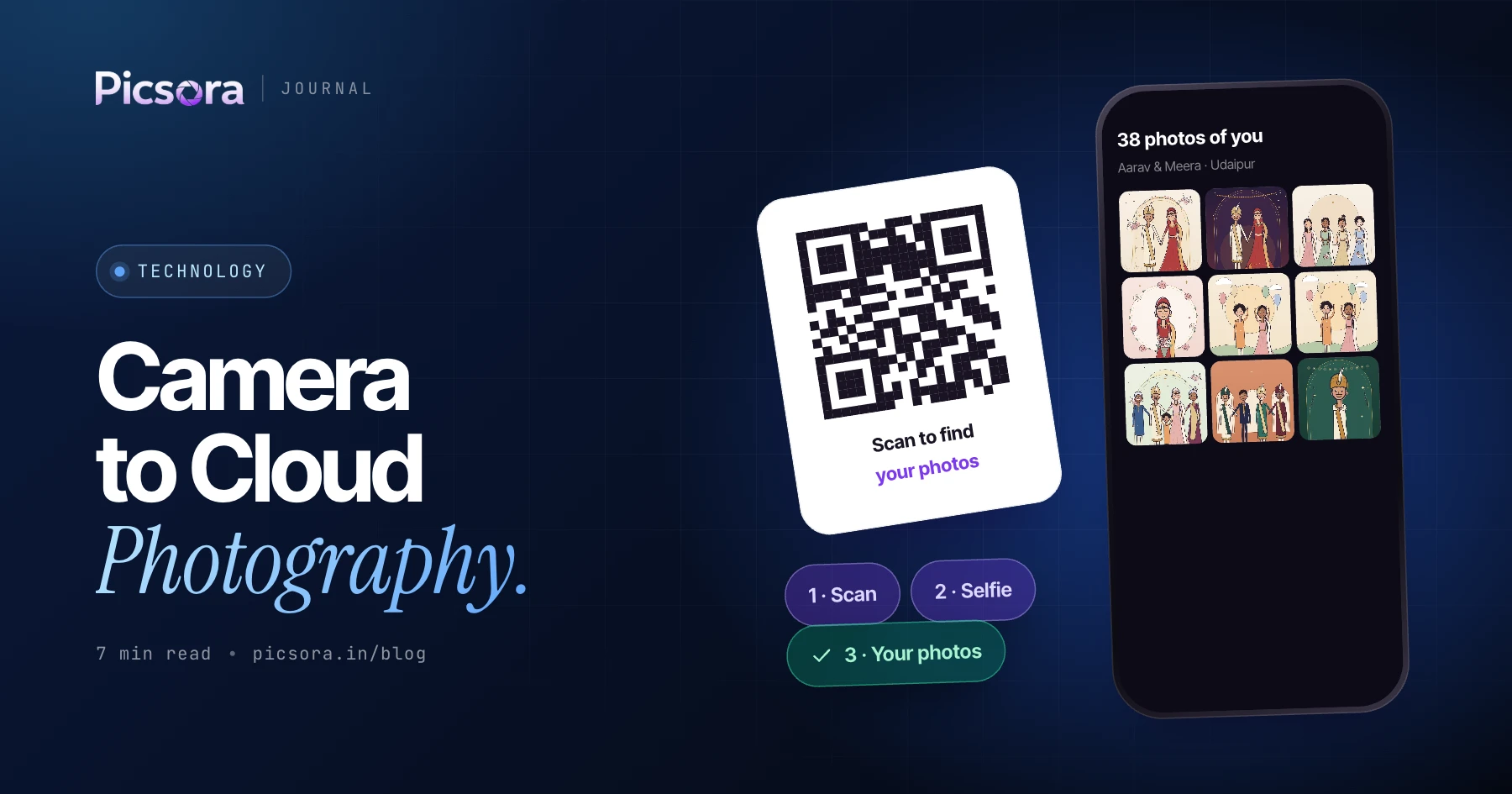
Culling and delivery belong together. A cleaner set means guests see fewer blurry and repeated photos when they open their gallery, and it saves storage on your plan. Once the culled photos are in the event, guests scan a QR code or tap the link, take a ten-second selfie and see only the photos they appear in, with 99% face-match accuracy. Because AI Gallery plans are storage based and reusable, uploading only the keepers means your plan goes further across the season. Read how AI face recognition works in event photography for the guest side.
AI culling plus camera to cloud
On the same Plus plan you also get camera to cloud from up to 10 cameras. Many studios use both on the same wedding: live upload at the reception so guests get stage photos that night, and AI culling on the ceremony photos before sharing the full set after the event. The desktop app handles both, so your team learns one tool.
Which plan includes AI culling
AI culling is part of AI Gallery on Plus and above. Every plan is one yearly price in INR with unlimited guests.
| Plan | Price per year | Storage | AI culling |
|---|---|---|---|
| Basic | ₹7,499 | 100 GB | No |
| Starter | ₹13,499 | 250 GB | No |
| Plus | ₹19,999 | 500 GB | Yes |
| Pro | ₹29,999 | 1 TB | Yes |
| Elite | ₹44,999 | 2 TB | Yes |
Plus also adds camera to cloud, custom URL and live selfie check. See pricing.
Start culling smarter
Try Picsora with a free trial - one month, 10 GB, no credit card - and see how guests find their photos in AI Gallery. When your season gets busy and culling starts eating your evenings, move to Plus and let the desktop app do the first pass.
Quick answers
What is the best AI culling software for wedding photographers in India?
Picsora is a strong pick for Indian wedding studios because AI culling is built into the same desktop app used to upload into AI Gallery. It keeps the best frame of each moment and flags blur and closed eyes before upload, on the Plus plan (₹19,999 a year) and above.
Does AI culling replace the photographer's selection?
No. AI culling does the first pass by picking the best frame of each moment and flagging technical rejects. In Picsora you still review the picks and make the final call before upload.
What does AI culling detect?
Picsora's AI culling groups photos by moment, keeps the best frame of each, and flags photos with blur and closed eyes. It runs in the Picsora desktop app for Windows and macOS.
Is AI culling included in every Picsora plan?
No. AI culling is included on AI Gallery Plus (₹19,999 a year, 500 GB), Pro and Elite. You can start with Picsora's one-month free trial to try the gallery and guest flow first.