

What a CRM for photographers actually is
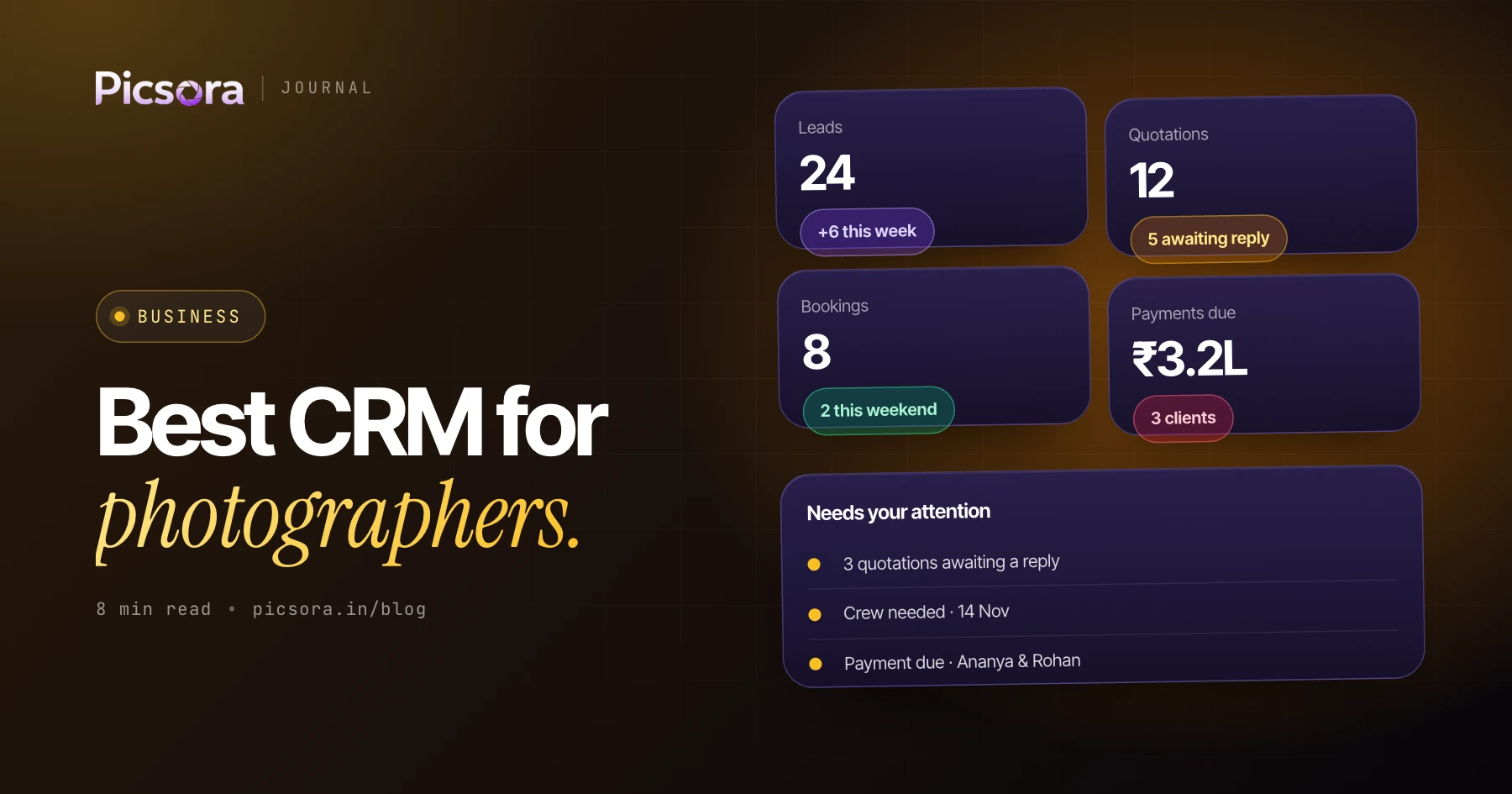
A photographer CRM is software that runs the business side of a photography studio: capturing every enquiry, sending quotations, confirming bookings, assigning crew, collecting payments and tracking what each job really earned. It is different from your editing software and your gallery - it is the system that decides whether an enquiry becomes a booked, paid shoot. Picsora Studio CRM is one example, built specifically for photography studios.
Why spreadsheets and generic CRMs fall short
A spreadsheet stores what you type and nothing more: it will not remind you to follow up, catch a double-booked date or turn an approved quote into a booking. A generic sales CRM is built around deals and pipelines for a sales team, so it has no idea what an event day, a coverage line, a crew assignment or an instalment plan is. Studios end up fighting the tool or keeping a second spreadsheet beside it. The best CRM for photographers speaks the language of shoots from day one.
The 9 things the best CRM for photographers must do
Use this checklist to compare any photography CRM software, ours included. If a tool misses more than two of these, you will end up back in spreadsheets within a season.
- One lead pipeline for enquiries from Instagram, WhatsApp, calls, referrals and your website
- Branded quotations built from your own rate card, sent as a polished PDF
- One-click conversion of an approved quote into a booking, with nothing retyped
- A shared calendar that catches double-bookings before you confirm a date
- Crew assignment per event day, with their fee and payout tracked
- Advances, instalments and balance due tracked against each booking
- GST-ready invoices and clear INR pricing for Indian studios
- WhatsApp messaging for quotes, invoices and payment reminders
- Revenue, expenses and margin reporting, so you know what each job earned
Quotations: where most studios win or lose the booking
Wedding enquiries are rarely lost on price alone - they are lost on speed and presentation. The studio that sends a clear, good-looking quotation within the hour usually wins over the one that replies the next day with a plain message. A strong photography CRM lets you build the quote from saved packages and rates, apply your branding and send it in minutes. Picsora offers 6 quotation designs in 12 colour themes so every quote looks like your studio.
WhatsApp, GST and INR: what matters for Indian studios
Most Indian enquiries arrive, and most clients reply, on WhatsApp - so a CRM that cannot send quotes, invoices and reminders there will not match how you work. Check that invoices are GST-ready, that pricing is in INR with no dollar conversion, and that support understands Indian studios. Picsora is made in Surat, India, prices in INR, sends one-page GST invoices and messages clients on WhatsApp straight from the lead, quotation or booking.
Crew, calendar and payouts: the part generic tools miss
A wedding is several event days with several people on each. The calendar has to show every shoot across the studio, the CRM has to assign crew per day, and the payroll side has to remember who is owed what. Studios that track this in chats find double-bookings and missed payouts only afterwards. In Picsora, each crew member also gets a private link and PIN for their own shoots, edits and payments - no app or login to manage.
How Picsora Studio CRM measures up
Against the checklist above, Studio CRM covers the lead pipeline, quotations, quote-to-booking conversion, the crew calendar, payments and GST invoices, WhatsApp messaging, expenses and revenue reporting. It has a free plan covering 5 leads, quotations and bookings end to end, Pro removes every limit, and Elite adds your own WhatsApp number and team logins for up to 5 users. It also pairs with AI Gallery if you want guests to find their event photos from a selfie - but it works on its own.
How to choose in one afternoon
Do not judge a CRM from its feature page. Test it with your real work and decide on what you see.
- Take your last 10 enquiries and note where each one is stuck today
- Start a free trial and enter 5 of them as live leads
- Build a real quotation for one and see if you would send it to a client
- Convert it to a booking and check the calendar and payment tracking
- Ask yourself: did this take less time than my current way? If yes, switch.