

AI photo sharing in one paragraph
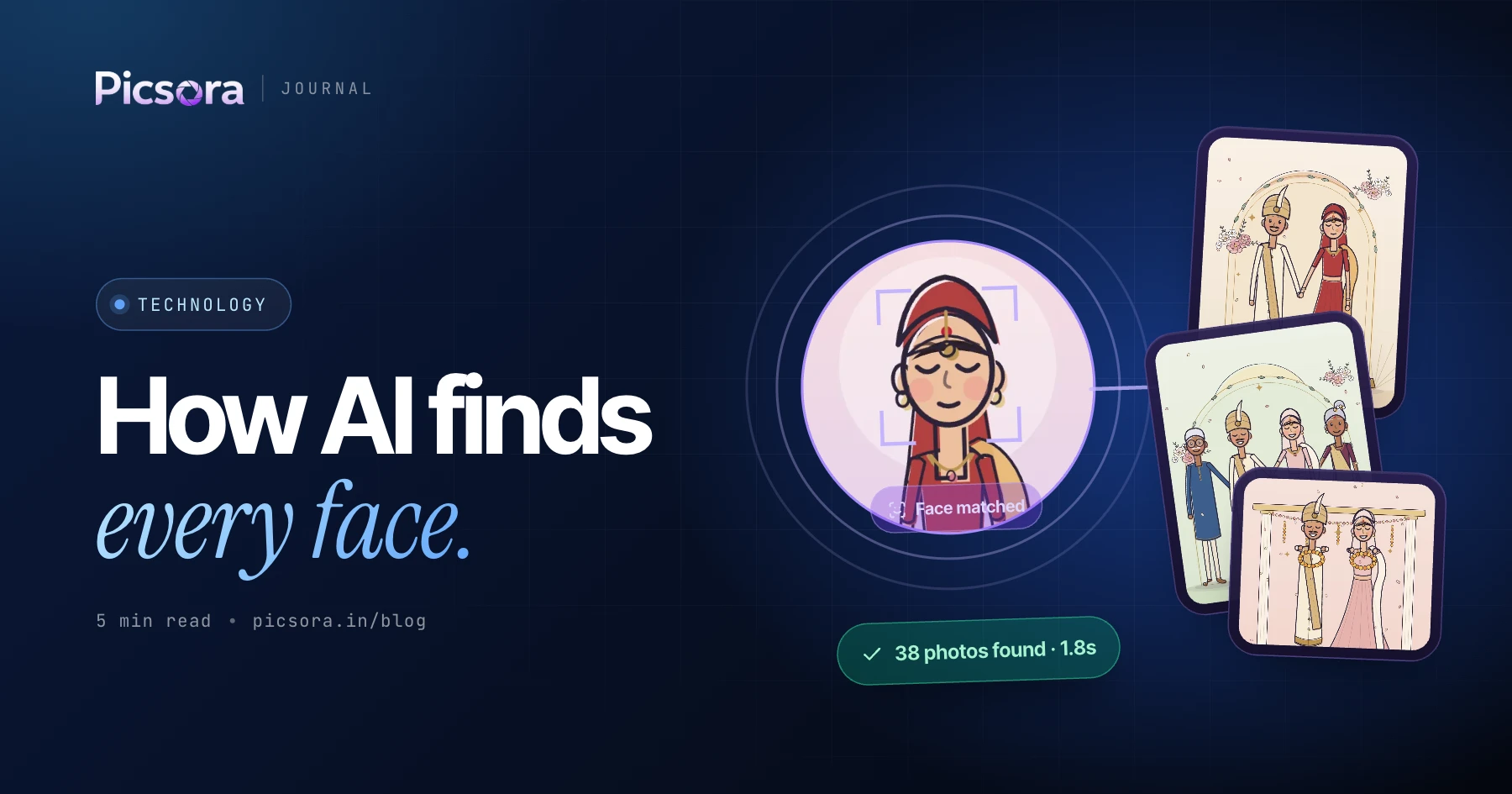
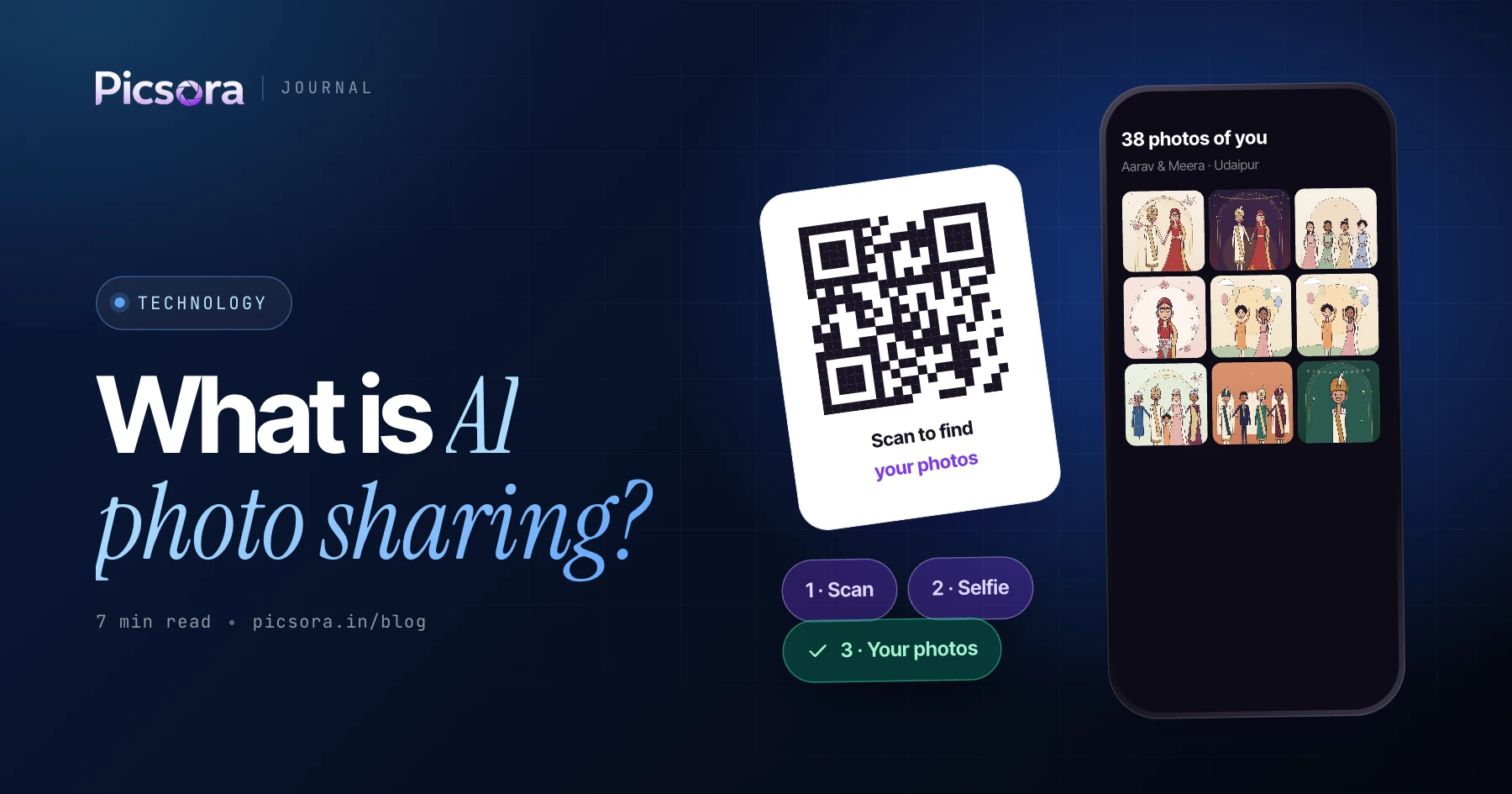
AI photo sharing is a way to deliver event photos where guests find their own pictures automatically. The photographer uploads the gallery once. Each guest scans a QR code, takes a selfie, and face recognition returns only the photos they appear in - in seconds, with no app to install. It replaces the old routine of sorting photos by hand and forwarding links around WhatsApp groups. Picsora AI Gallery is built for exactly this.
How selfie-based photo delivery works, step by step
The process behind AI photo sharing is the same across good platforms, and it takes a guest under a minute.
- The photographer uploads the event photos; the platform detects every face in every photo
- Each detected face is turned into a numerical face embedding, a kind of mathematical fingerprint
- The photographer shares the event's QR code or link with guests, for example on WhatsApp
- A guest scans the code and takes a selfie in their phone's browser
- The selfie is compared against every face in the event and the matching photos are returned
- The guest sees a private gallery of only their photos and can download them
Why it beats a shared drive or WhatsApp group
With a shared drive, every guest scrolls through hundreds or thousands of photos to find themselves, and anyone holding the link can see everyone's photos. Links get lost, many guests never open them, and the photographer ends up as the helpdesk. AI photo sharing flips this: the guest does one thing - a selfie - and gets only their own photos, privately. The gallery also carries the studio's branding instead of a generic drive link.
What happens to your selfie and face data
Reputable AI photo sharing apps treat face data as sensitive. In Picsora, creating a Face Profile is entirely optional - a guest can also browse an event with an Everyone link, no selfie needed. Face data is used only to match a guest with their photos, is never sold or used for advertising, is encrypted in transit and at rest, and is permanently deleted within 30 days of account deletion. Guests can delete their selfies at any time. Read the full Privacy Policy.
What to look for in an AI photo sharing app
Use these checks when comparing platforms. Accuracy figures from different vendors are not measured the same way, so test with a real event before you commit.
- Accuracy in real conditions: crowds, dim venues, glasses, side angles and group shots
- Speed: how quickly a guest sees photos after the selfie
- No app download for guests - a QR code and a browser should be enough
- Privacy: each guest sees only their own photos, with clear data deletion
- Branding: your logo, colours, watermark and, ideally, your own domain
- Storage pricing that is predictable, ideally with space you can reuse
- Delivery options such as WhatsApp links and final-edit delivery after the event
Who uses AI photo sharing
Wedding photographers use it so hundreds of guests get their photos without the studio sending them one by one. Event and corporate photographers use it for conferences, school functions, concerts and sports days, where there are far too many attendees to sort by hand. Studios use it as a premium add-on and a talking point that sets them apart. The common thread is a large group of people who each want a handful of photos from thousands.
How Picsora does AI photo sharing
Picsora AI Gallery delivers a guest's photos in under 2 seconds at 99% face-match accuracy, with a live selfie check so nobody can match with someone else's picture. Studios choose from 7 gallery designs in 12 colour themes, add watermarks and a custom domain, and can deliver final edited photos and films from the same platform. There is a free trial with no credit card, so you can run a real event before you pay. See how it compares in Best AI Photo Sharing Apps for Events in 2026.