

Why a defined workflow wins bookings
A wedding studio is a small business with a long process: weeks between the first message and the shoot, then more weeks of editing and delivery. Studios that follow the same stages every time reply faster, forget less and look more professional. Here is a workflow that works, from the first enquiry to the final payment.
Stage 1 - Enquiry: reply fast and log it
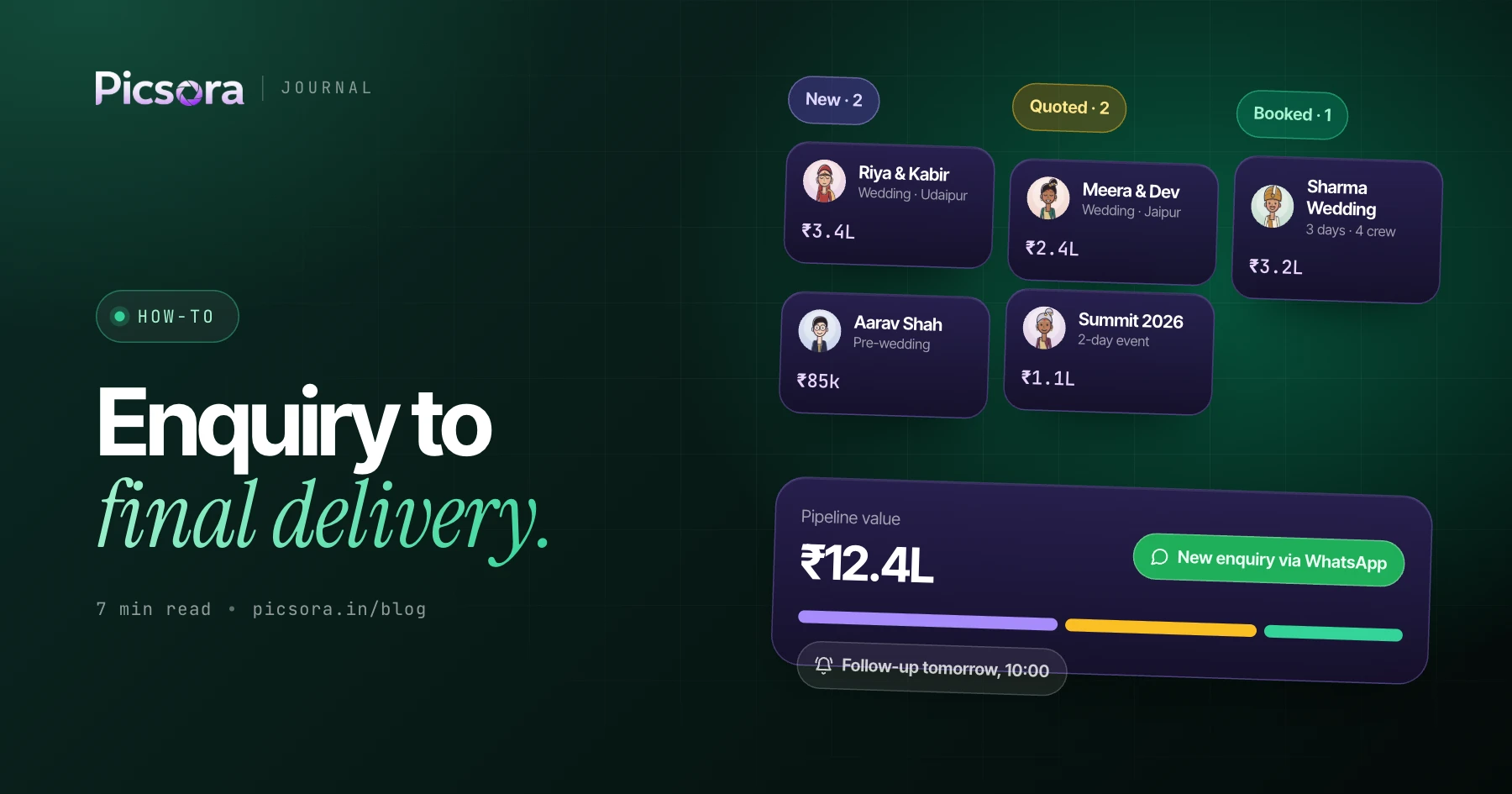
Speed matters more than polish at this stage. Reply within the hour if you can, and record every enquiry in one place the moment it arrives, whether it came from Instagram, WhatsApp, a call or your website. A photographer CRM lead pipeline means nothing gets lost between chats, and you can see at a glance which enquiries still need a reply.
Stage 2 - Quotation: send it while the interest is hot
Build the quotation from your standard packages and rates, add the events and coverage the couple asked for, and send it as a branded PDF. The faster and cleaner the quote, the more it signals a professional studio. Keep follow-ups simple: a polite nudge a couple of days later on WhatsApp.
Stage 3 - Booking: confirm the date and take the advance
When the couple accepts, convert the quote into a booking so the event days, coverage and client details carry over without retyping. Check the calendar for clashes before you confirm, record the advance, and note the instalments. This is the moment a lead becomes revenue.
Stage 4 - Planning: crew, timings and shot list
Assign crew to each event day with their fee agreed up front, and share timings in one place instead of repeated calls. Prepare a short brief with the family details, key moments and must-have shots. Clear planning here prevents most day-of problems.
Stage 5 - Shoot day: plan guest delivery before you arrive
Create the event in AI Gallery beforehand and put the QR code on a sign or the welcome table. Guests can start looking for their photos as soon as you upload, or you can deliver after the event, depending on the delivery flow you choose.
Stage 6 - Culling and editing: cut the volume early
A wedding can produce thousands of frames. Cull to the strongest first, then edit, so you spend time on photos that will be delivered. Picsora's desktop app includes AI culling on Plus and above to speed up this step, and uploads at full quality from your computer.
Stage 7 - Delivery: guests and couple, separately
Guests want their own photos fast - a selfie in AI Gallery gets each of them exactly that. The couple wants the finished album and film, delivered beautifully and privately. Use final delivery for edited photos and films, so each audience gets the right thing from the studio's own branded link.
Stage 8 - Payment and wrap-up: close the loop
Send the final invoice, chase the balance with a WhatsApp reminder, and log expenses and crew payouts against the booking so you know what the wedding really earned. A short thank-you with your review link turns happy couples into referrals.
- Enquiry: reply fast, log it
- Quotation: branded PDF, same day
- Booking: convert, check the calendar, take the advance
- Planning: crew, timings, brief
- Shoot day: QR code ready for guests
- Editing: cull first, then edit
- Delivery: guests by selfie, couple by final delivery
- Wrap-up: balance, payouts, margin, review